> ## Documentation Index
> Fetch the complete documentation index at: https://platform.minimax.io/docs/llms.txt
> Use this file to discover all available pages before exploring further.
# Image Generation Guide
> The Image Generation service provides two core capabilities: **Text-to-Image** and **Image-to-Image**.
## Generate Images from Text
Create images directly from detailed text descriptions (prompts) that specify the desired content.
```python theme={null}
import base64
import requests
import os
url = "https://api.minimax.io/v1/image_generation"
api_key = os.environ["MINIMAX_API_KEY"]
headers = {"Authorization": f"Bearer {api_key}"}
payload = {
"model": "image-01",
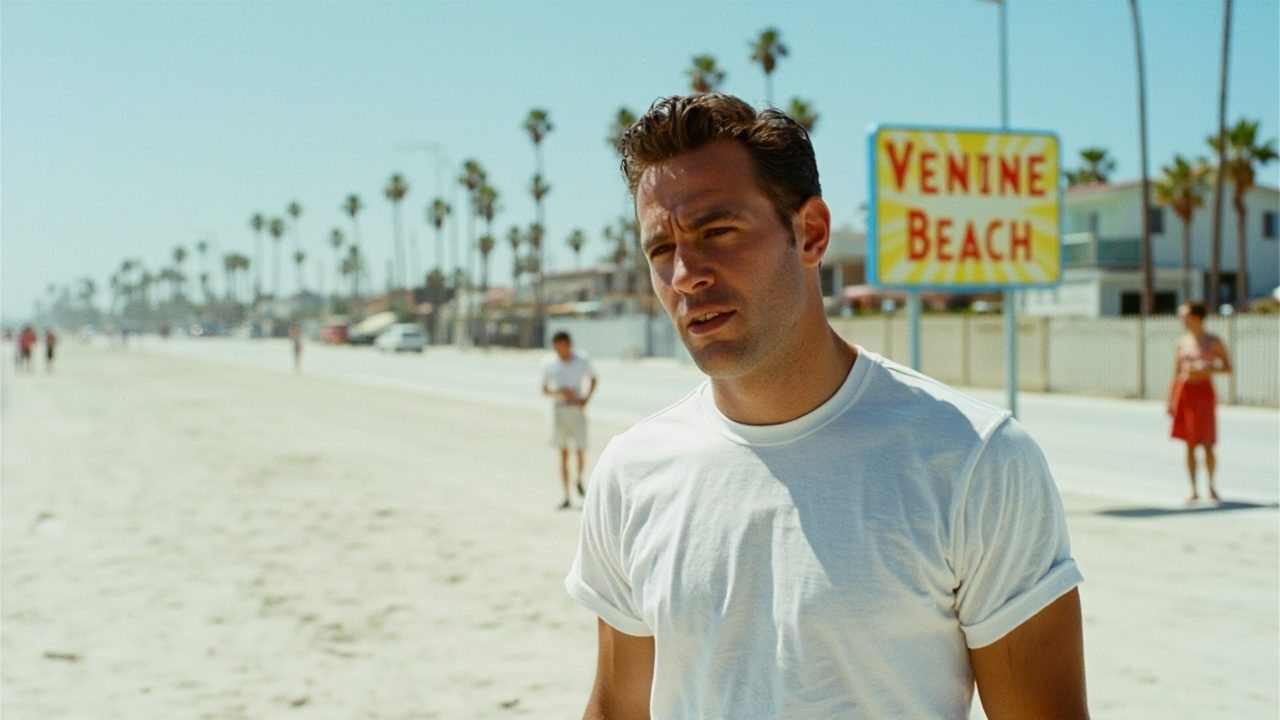
"prompt": "men Dressing in white t shirt, full-body stand front view image :25, outdoor, Venice beach sign, full-body image, Los Angeles, Fashion photography of 90s, documentary, Film grain, photorealistic",
"aspect_ratio": "16:9",
"response_format": "base64",
}
response = requests.post(url, headers=headers, json=payload)
response.raise_for_status()
images = response.json()["data"]["image_base64"]
for i in range(len(images)):
with open(f"output-{i}.jpeg", "wb") as f:
f.write(base64.b64decode(images[i]))
```
The generated picture:
 ## Generate Images with Reference Images
This feature allows you to supply a reference image (including online image URLs) that contains a clear subject. Combined with a text prompt, the service generates a new image that preserves the subject’s key characteristics. Only a single reference image is supported per request.\
This is particularly useful for scenarios that require consistent visual identity, such as generating images of the same virtual character in different contexts.
```python theme={null}
import base64
import requests
import os
url = "https://api.minimax.io/v1/image_generation"
api_key = os.environ["MINIMAX_API_KEY"]
headers = {"Authorization": f"Bearer {api_key}"}
payload = {
"model": "image-01",
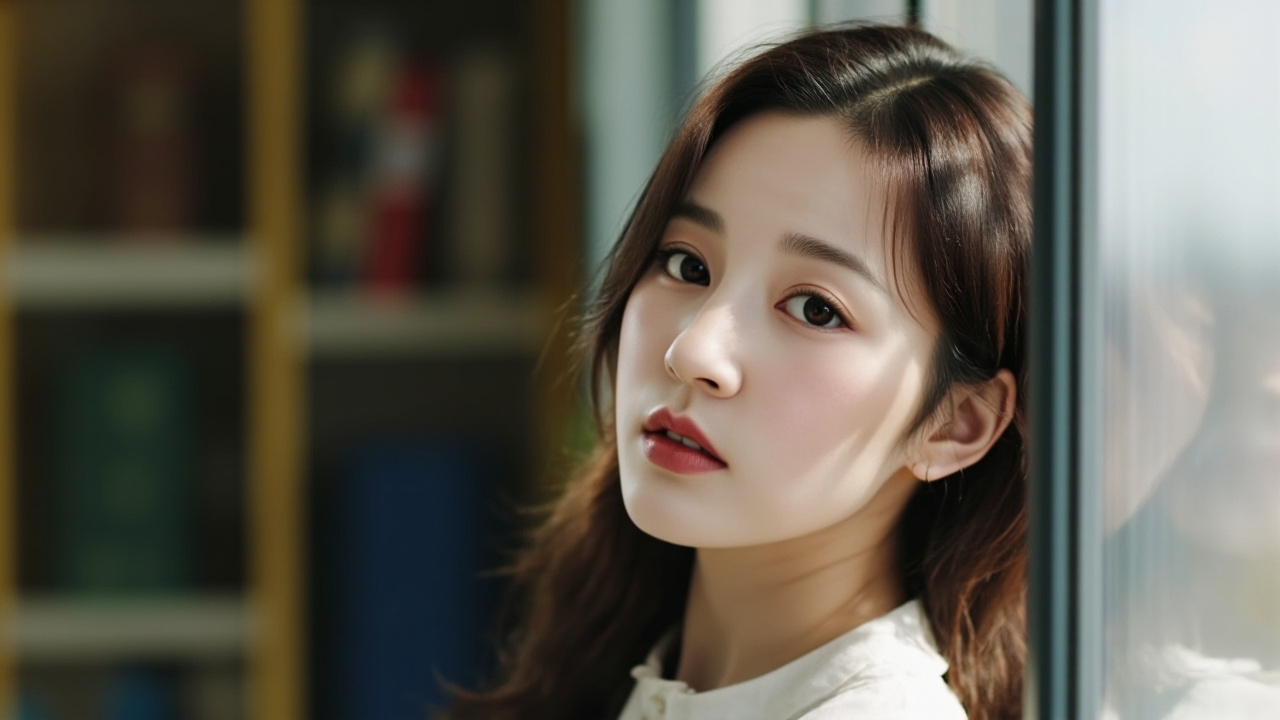
"prompt": "A girl stands by the library window, gazing into the distance",
"aspect_ratio": "16:9",
"subject_reference": [
{
"type": "character",
"image_file": "https://cdn.hailuoai.com/prod/2025-08-12-17/video_cover/1754990600020238321-411603868533342214-cover.jpg",
}
],
"response_format": "base64",
}
response = requests.post(url, headers=headers, json=payload)
response.raise_for_status()
images = response.json()["data"]["image_base64"]
for i in range(len(images)):
with open(f"output-{i}.jpeg", "wb") as f:
f.write(base64.b64decode(images[i]))
```
The generated picture:
## Generate Images with Reference Images
This feature allows you to supply a reference image (including online image URLs) that contains a clear subject. Combined with a text prompt, the service generates a new image that preserves the subject’s key characteristics. Only a single reference image is supported per request.\
This is particularly useful for scenarios that require consistent visual identity, such as generating images of the same virtual character in different contexts.
```python theme={null}
import base64
import requests
import os
url = "https://api.minimax.io/v1/image_generation"
api_key = os.environ["MINIMAX_API_KEY"]
headers = {"Authorization": f"Bearer {api_key}"}
payload = {
"model": "image-01",
"prompt": "A girl stands by the library window, gazing into the distance",
"aspect_ratio": "16:9",
"subject_reference": [
{
"type": "character",
"image_file": "https://cdn.hailuoai.com/prod/2025-08-12-17/video_cover/1754990600020238321-411603868533342214-cover.jpg",
}
],
"response_format": "base64",
}
response = requests.post(url, headers=headers, json=payload)
response.raise_for_status()
images = response.json()["data"]["image_base64"]
for i in range(len(images)):
with open(f"output-{i}.jpeg", "wb") as f:
f.write(base64.b64decode(images[i]))
```
The generated picture:
 ## Recommended Reading
Use this API to generate images from text input.
Use this API to generate images from image input.
Detailed information on model pricing and API packages.
Rate limits are restrictions that our API imposes on the number of times a
user or client can access our services within a specified period of time.
## Recommended Reading
Use this API to generate images from text input.
Use this API to generate images from image input.
Detailed information on model pricing and API packages.
Rate limits are restrictions that our API imposes on the number of times a
user or client can access our services within a specified period of time.