

Hermes Agent is an open-source self-improving AI agent framework by Nous Research.
Prerequisites
- An active MiniMax M Plan subscription. OAuth sign-in does not require an API Key; the API Key options below do.
- A computer with terminal access (macOS, Linux, or Windows with WSL2)

Install Hermes Agent
Hermes Agent is an open-source, self-improving AI agent built by Nous Research. It features persistent cross-session memory, a built-in learning loop, 40+ integrated tools, and multi-platform access (CLI, Telegram, Discord, Slack, WhatsApp). Run the one-line installer in your terminal:Configure MiniMax M Plan
- Option 1: OAuth sign-in (recommended)
- Option 2: One-click setup wizard (API Key)
- Option 3: Manual API Key setup
Run the model selector: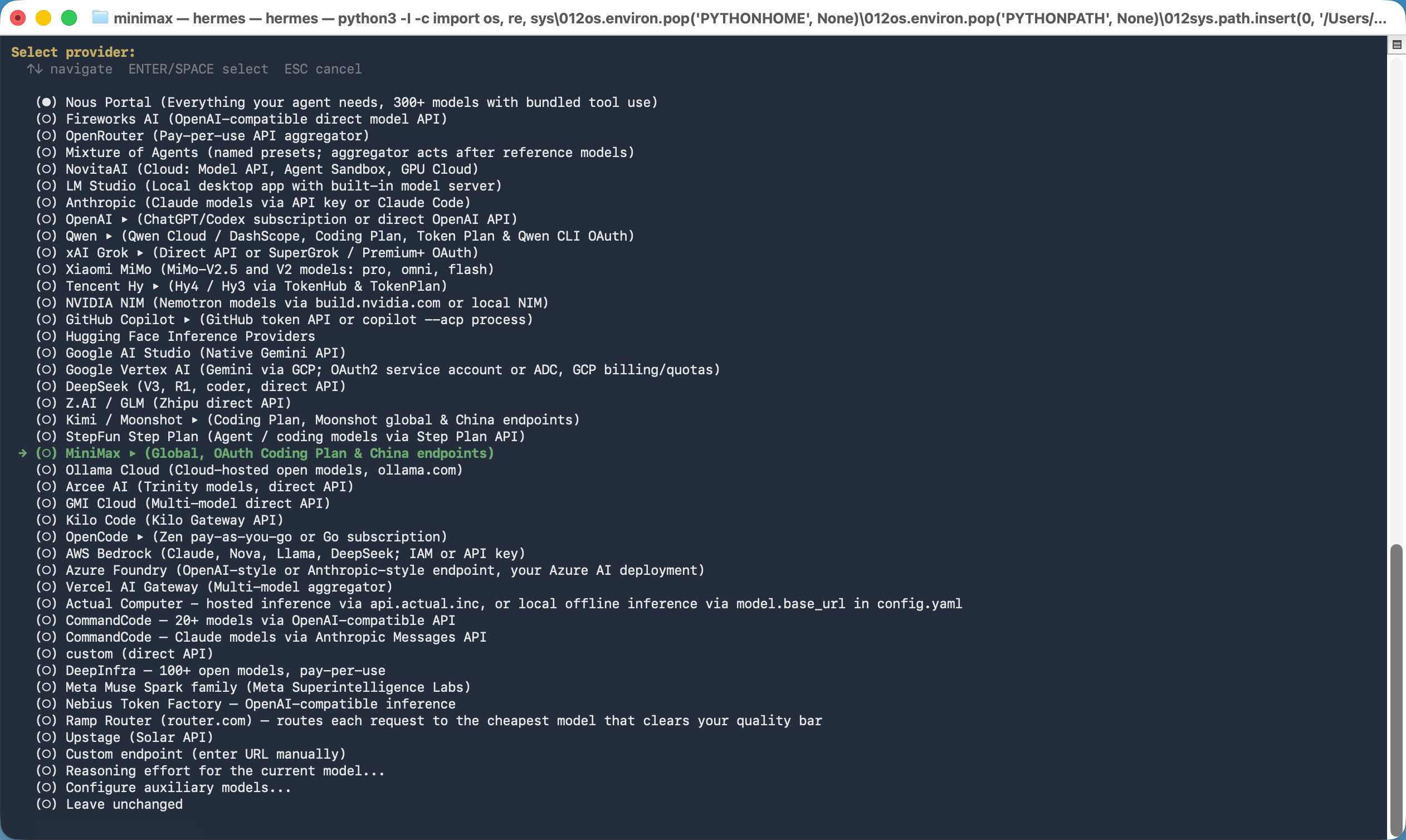
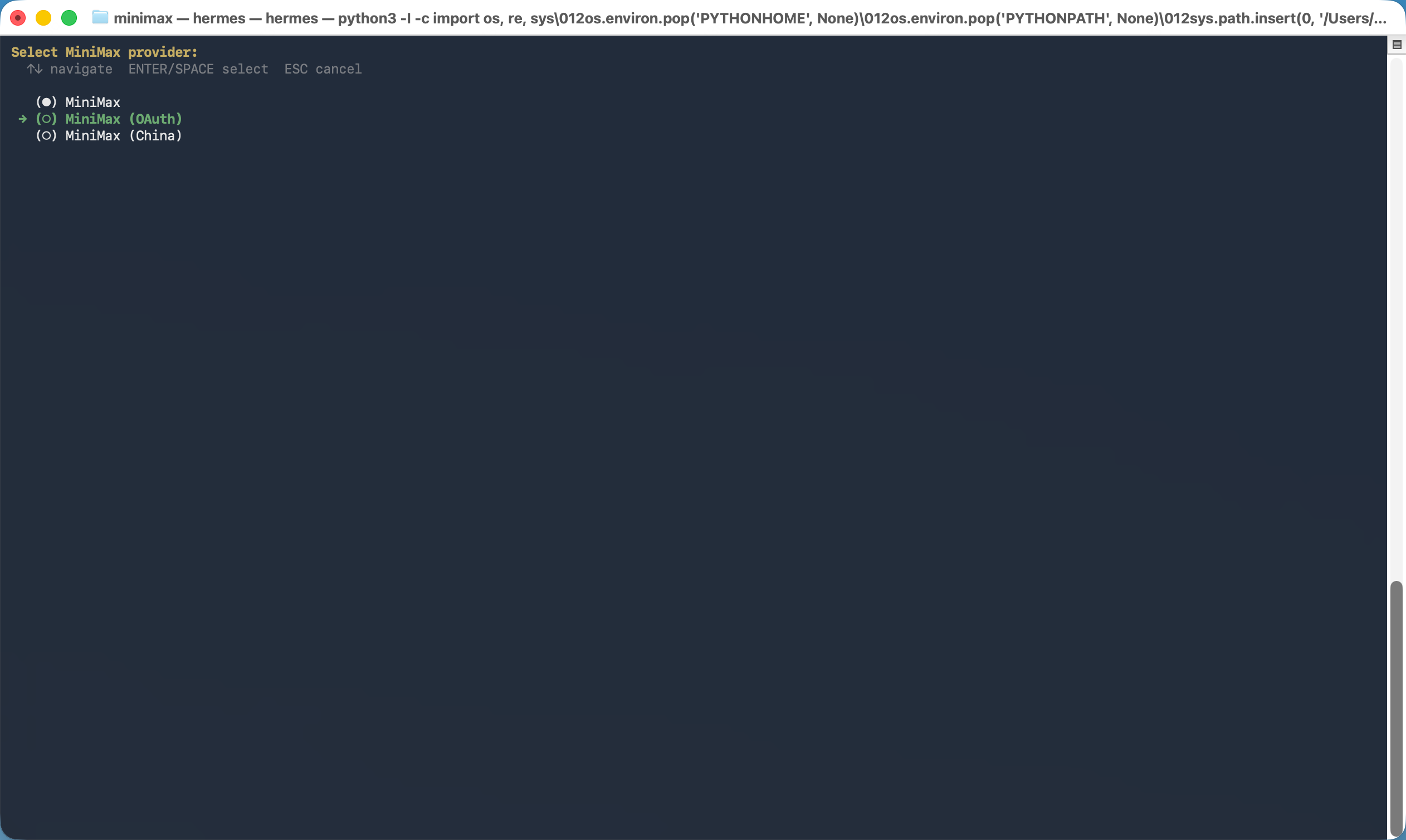
- Select MiniMax from the provider list.
- Select MiniMax (OAuth). Hermes opens the MiniMax sign-in page; sign in and authorize access. No API Key is needed.
- In the model list, choose Enter custom model name and enter
MiniMax-M3.1-Flash-Previewif it is not listed by your Hermes version.
~/.hermes/config.yaml and set context_length: 1000000 (1M context) under the existing model: section. Keep its other fields.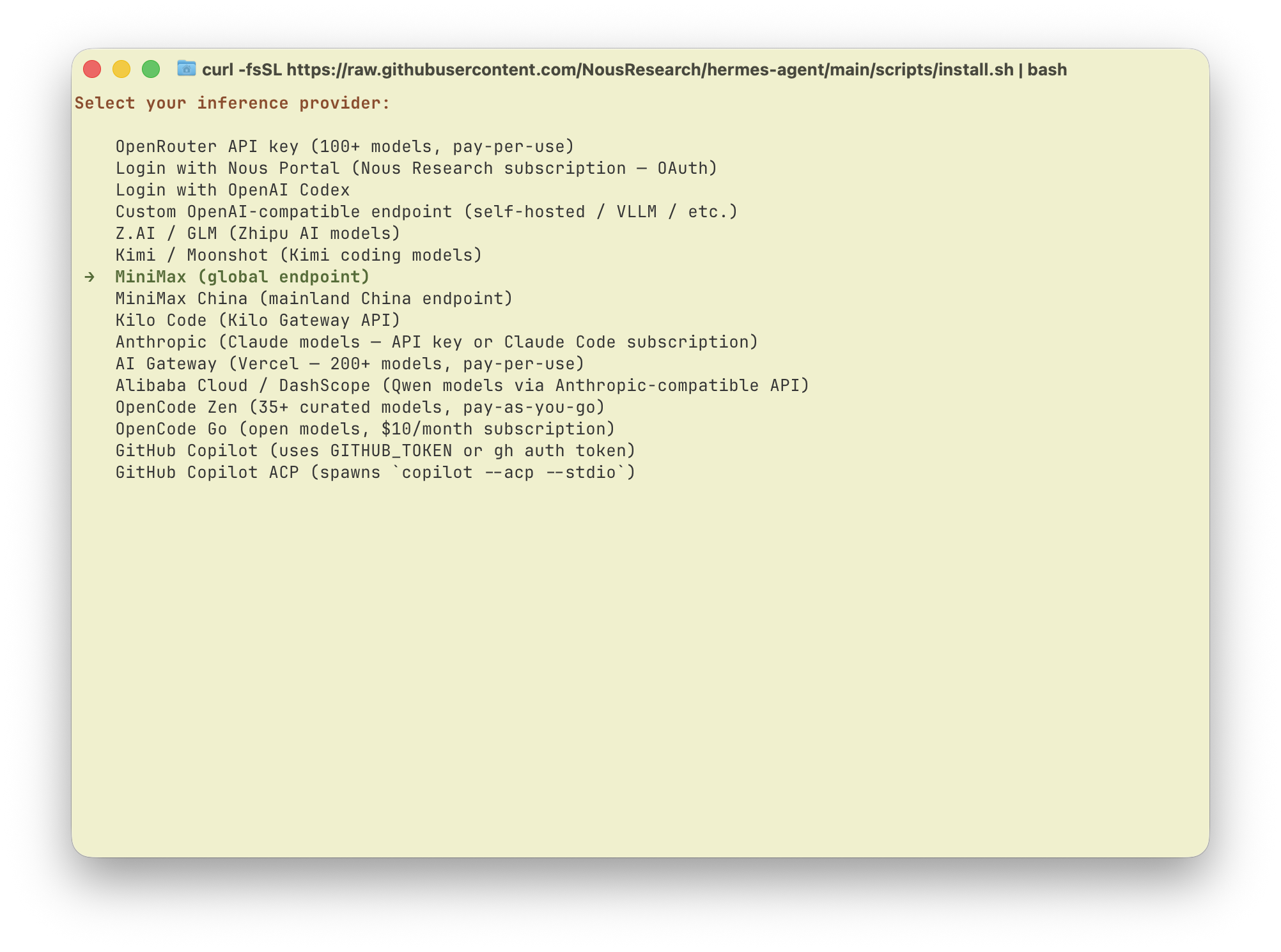

OAuth sign-in does not use an API Key. For API Key setup, view your Subscription Key in Plan Details. Subscription Keys are different from pay-as-you-go API Keys.
Start Using Hermes Agent
Runhermes to start talking with Hermes Agent powered by the latest MiniMax M-series models.
Thinking depth
MiniMax-M3.1-Flash-Preview always enables thinking and cannot turn it off. Supported levels arelow, medium, high, xhigh, and max; do not use none or minimal. When selecting a level through /reasoning, use the options supported by your Hermes Agent version.