

TRAE is ByteDance’s AI-native IDE with intelligent collaboration and agent automation.
Install and Launch TRAE
1
Download and Install TRAE
Go to TRAE’s website to install TRAE
2
Complete Initial Setup
Click TRAE’s icon to launch it. The following screen appears at TRAE’s first launch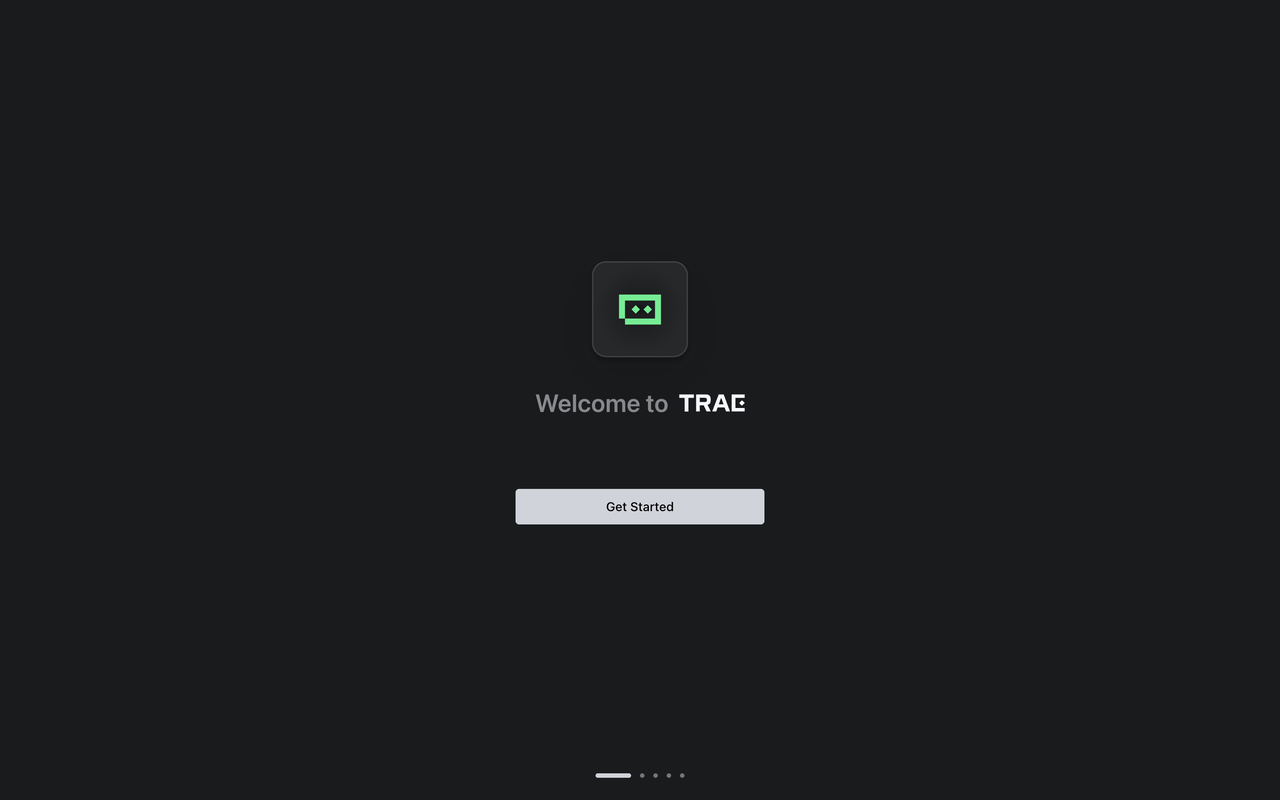
3
Start Setup
Click the Get Started button, TRAE’s setup beginsFor detailed installation steps, please refer to: Trae Setup Guide
Configure MiniMax API
In TRAE, you can connect to MiniMax M3 model using API Keys obtained from the MiniMax Developer Platform .1
Open Settings
At the top right of the side chat box, click Settings icon > Models
2
Select Models Tab
3
Add Model
Click the + Add Model button. The Add Model pop-up appearsEnter Configuration Details:
- Provider: Select MiniMax-Global
- Model: Select MiniMax-M3
- API Key: Input your MiniMax API Key
4
Complete Adding
Click the Add Model button